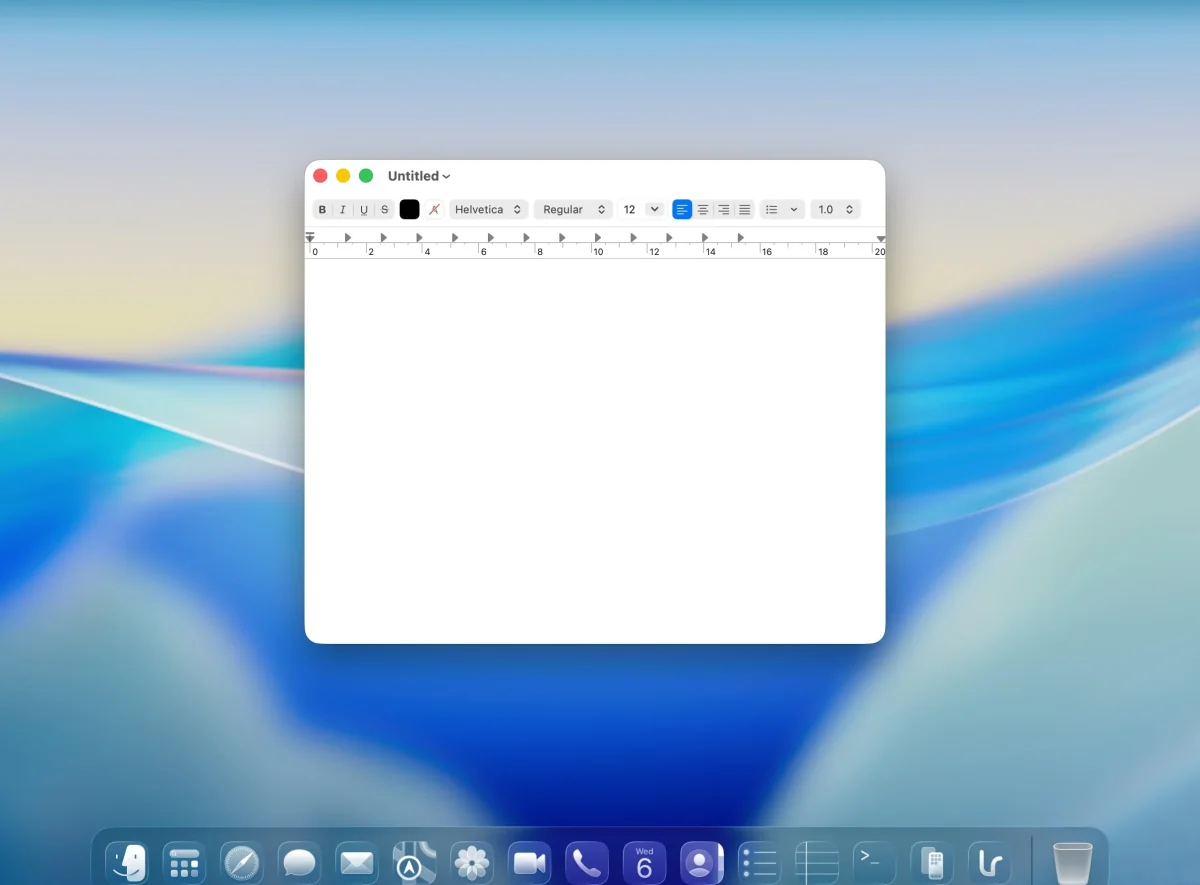
Default. Apple's own TextEdit, out of the box. Tight corners, short title bar, traffic lights tucked against the edge.
Built for macOS Tahoe

The mismatch
macOS Tahoe ships with four different corner radii across Apple's own apps alone. Third-party apps each pick their own. The result is a desktop where no two windows quite match.
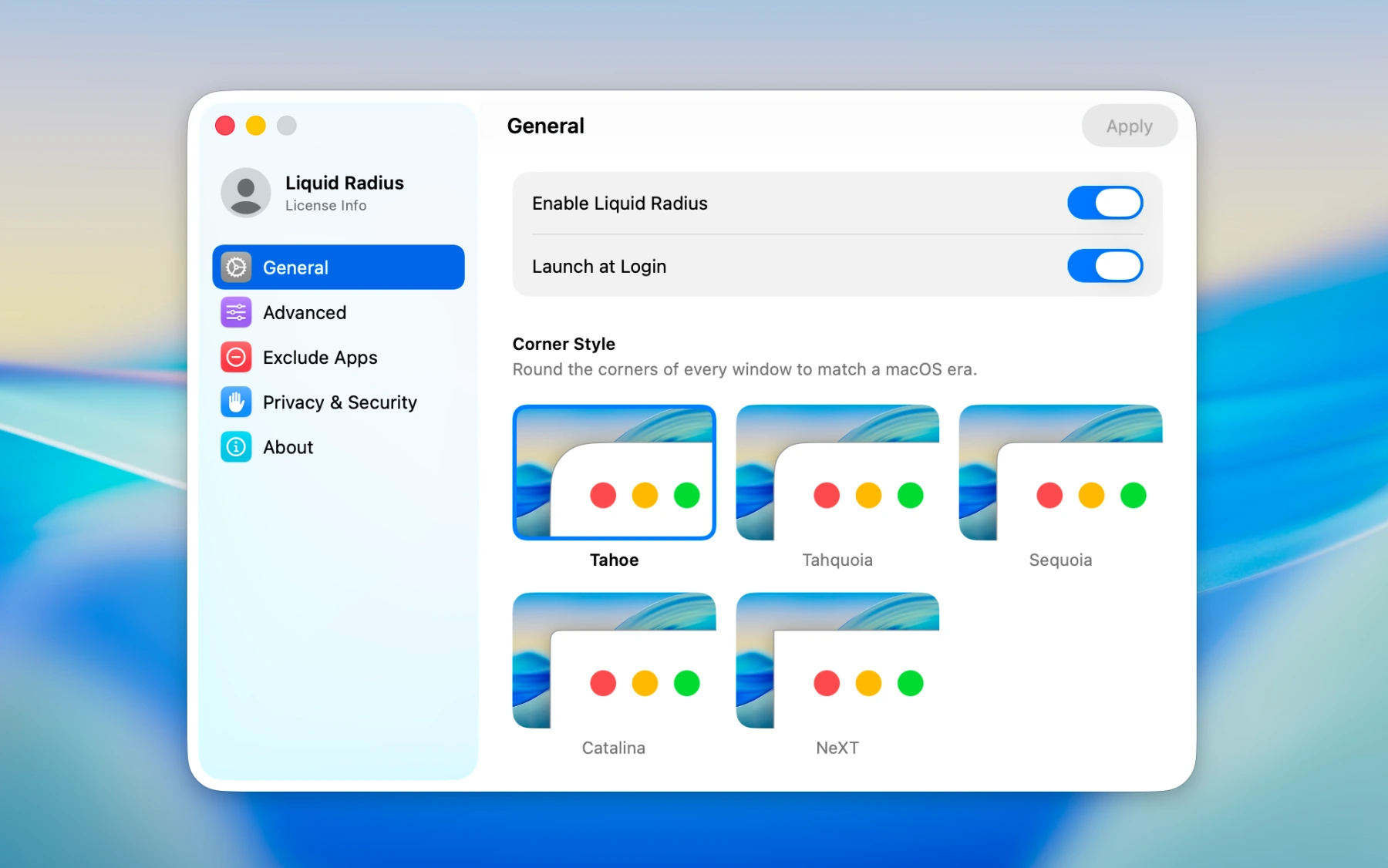
Choose from five presets spanning every macOS era, from Tahoe's generous curves back to NeXTSTEP's square corners. Every window on your Mac follows your pick, and you can change it whenever you like.
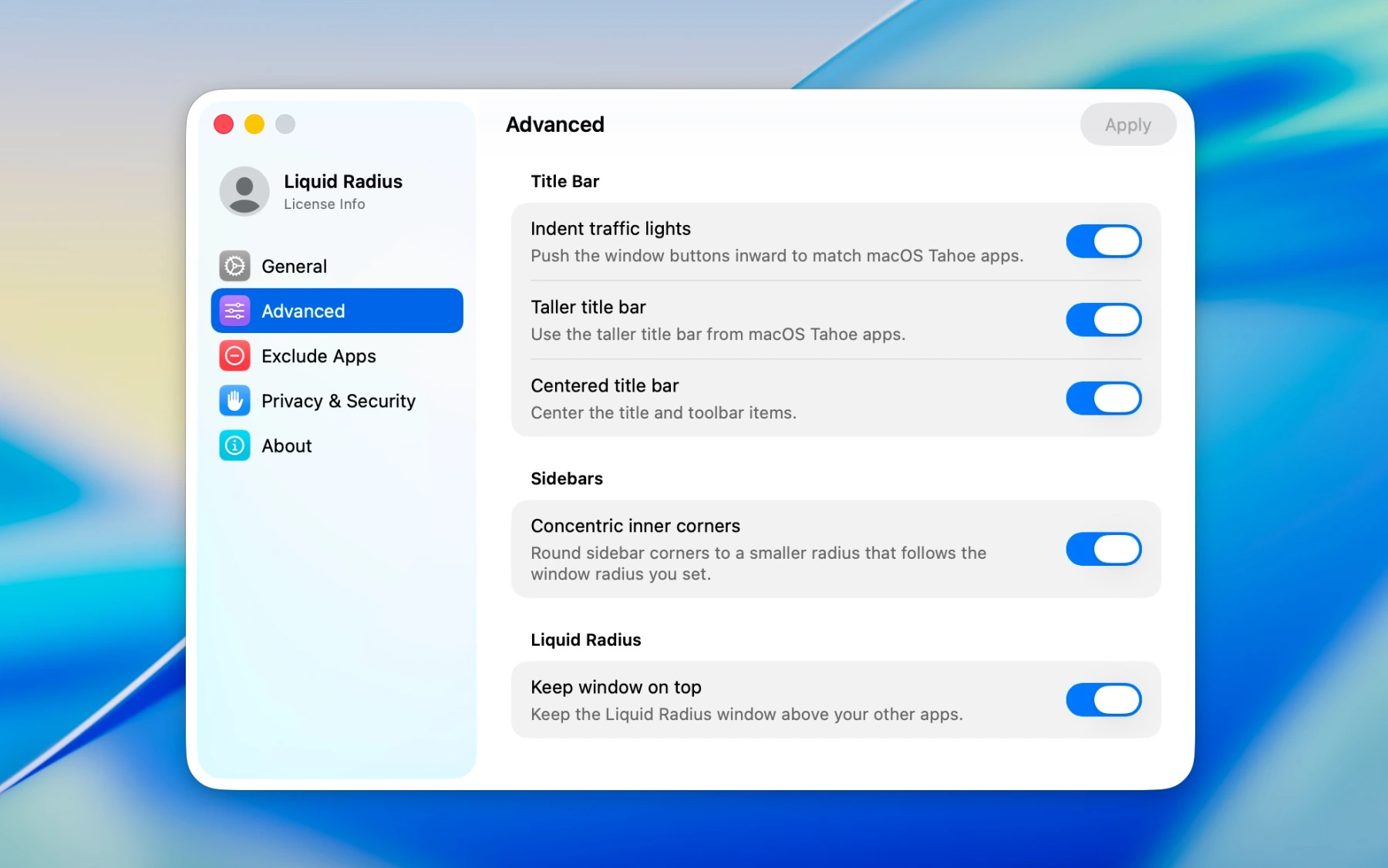
Liquid Radius doesn't stop at the outside edge. Sidebars and inner panels pick up a smaller, matching curve that follows the one you choose, so the inside of every window stays in proportion with the outside.
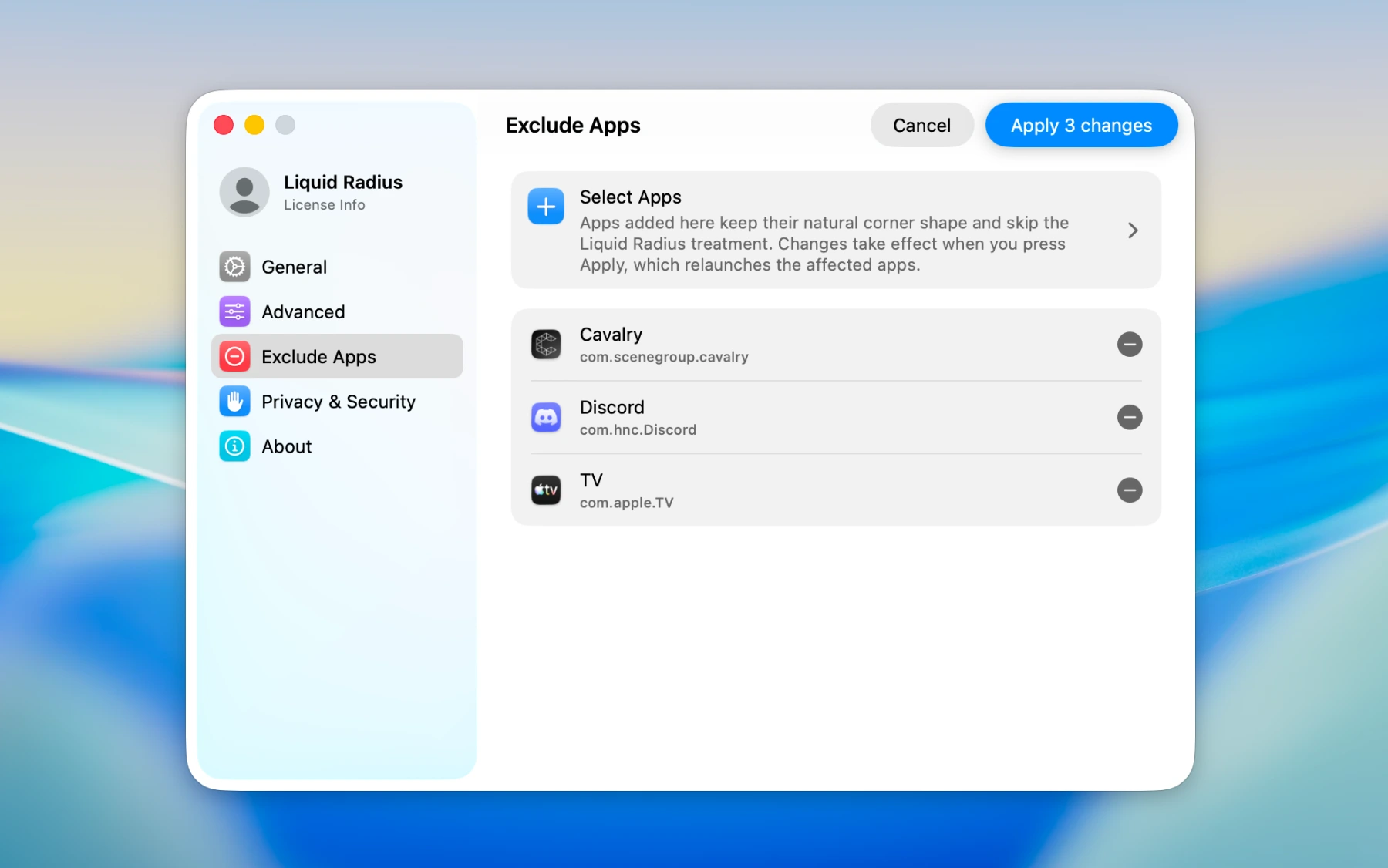
Liquid Radius is on across every app by default, with a one-click opt-out for any you'd rather keep exactly as they are. Add or remove excluded apps any time.
Default. Apple's own TextEdit, out of the box. Tight corners, short title bar, traffic lights tucked against the edge.
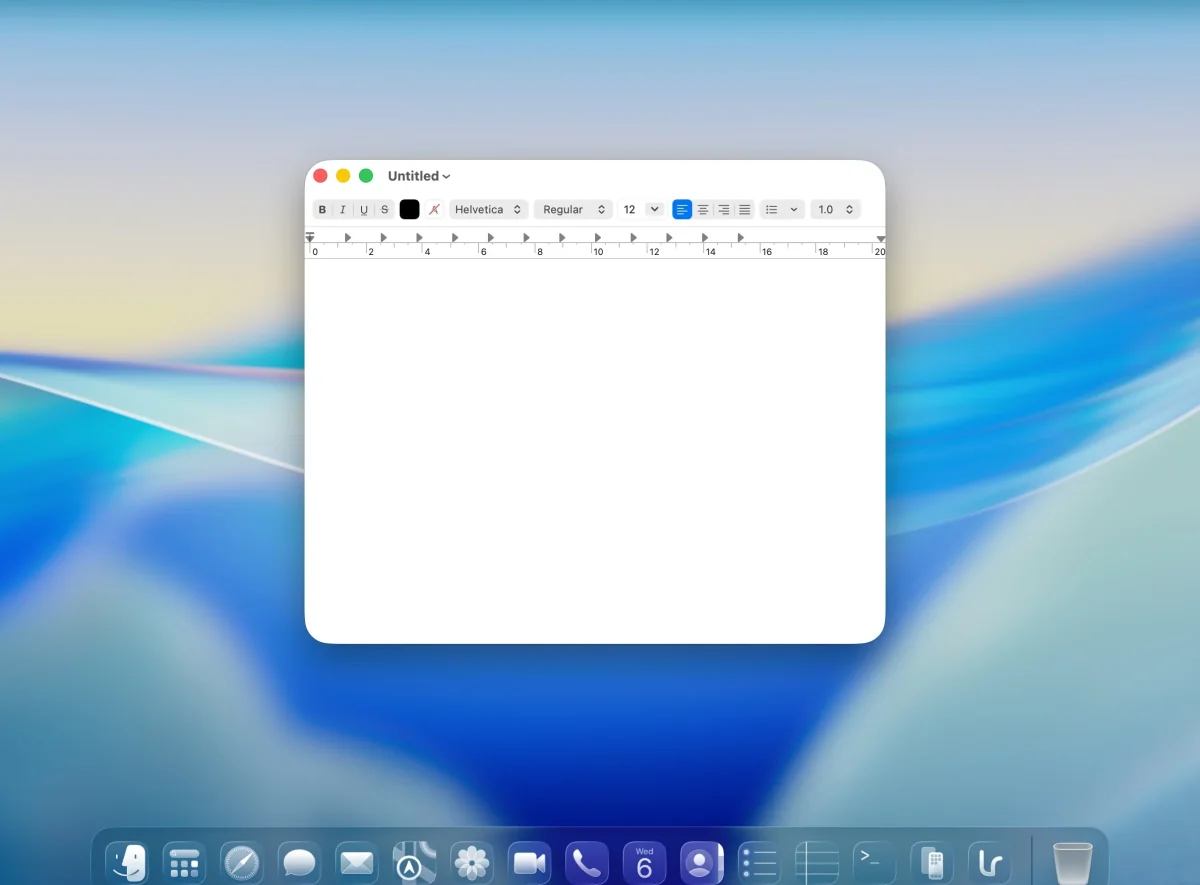
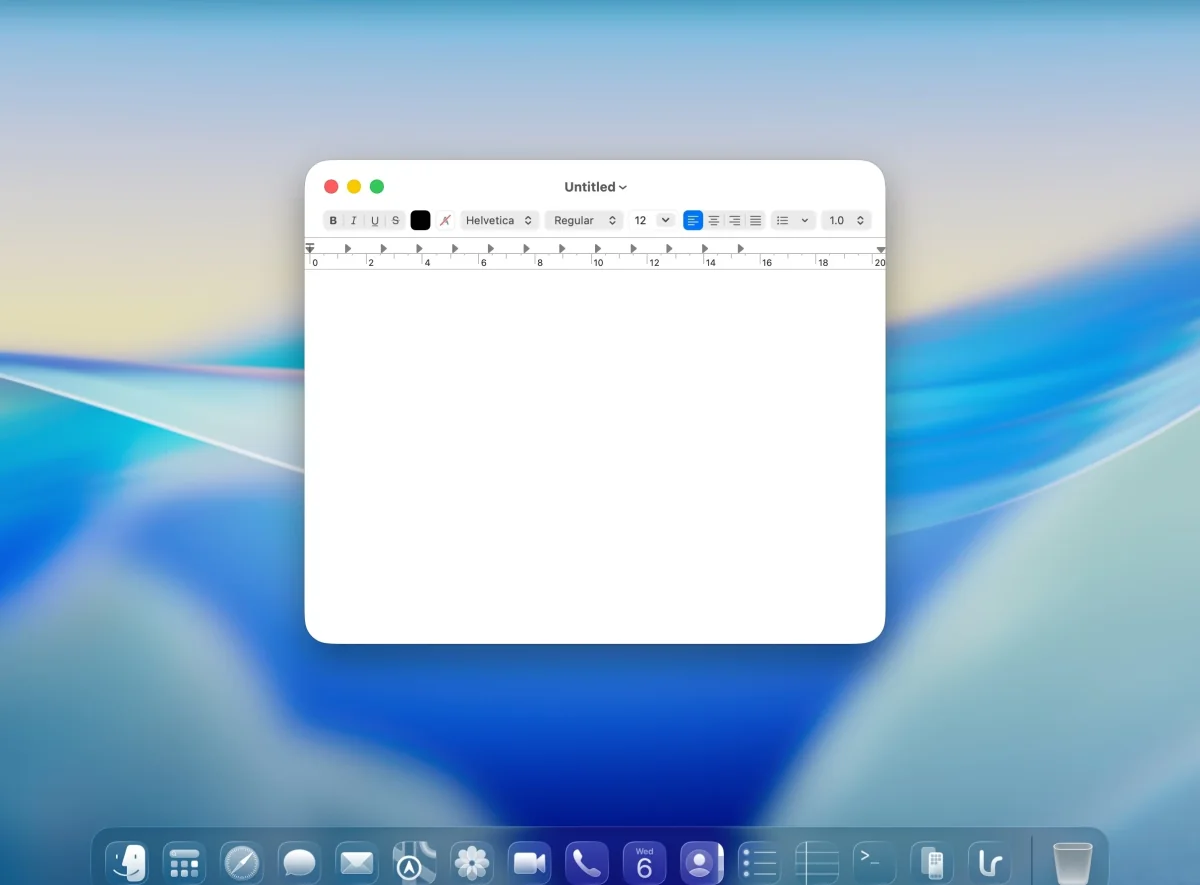
Liquid radius. Corner radius bumped to match Apple's flagship apps. Now consistent across all of macOS.
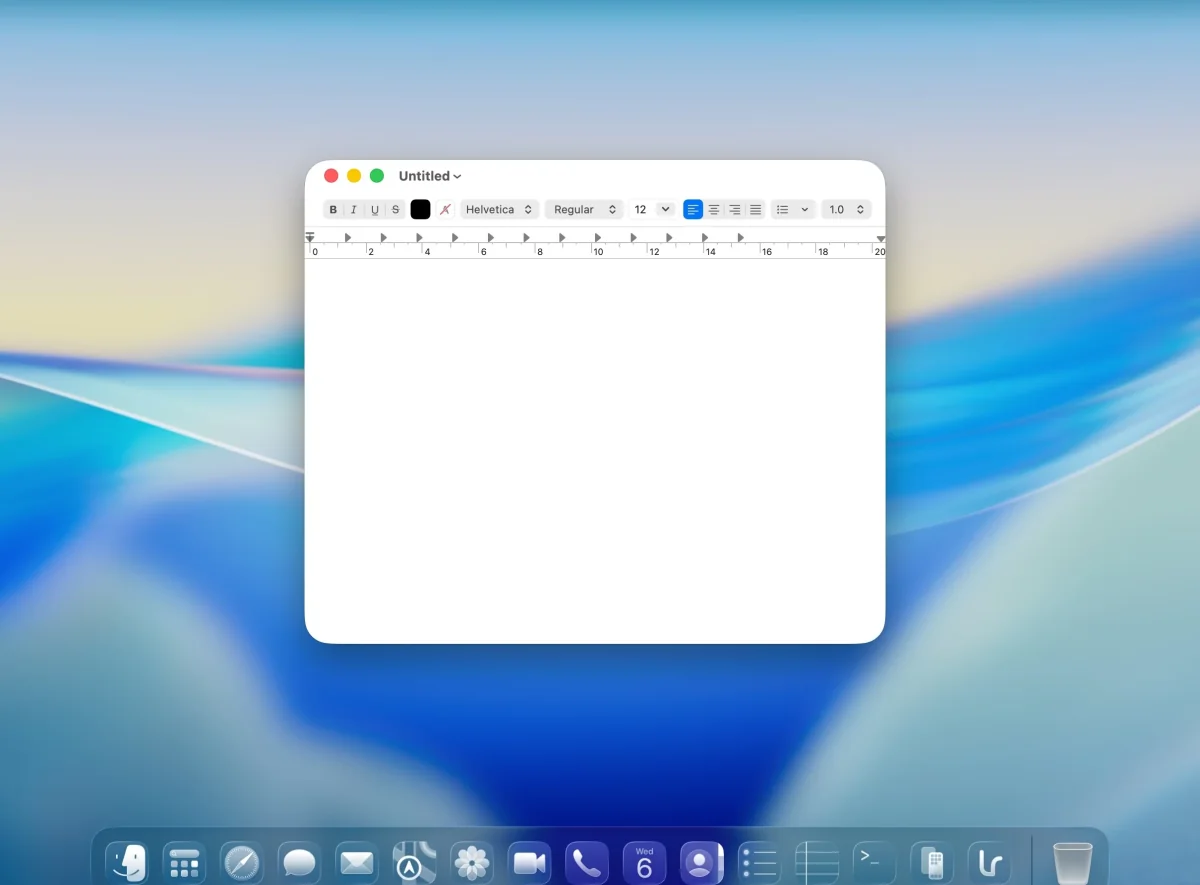
Indented traffic lights. Close, minimize, and zoom buttons pushed in slightly so they align with Apple's flagship apps.
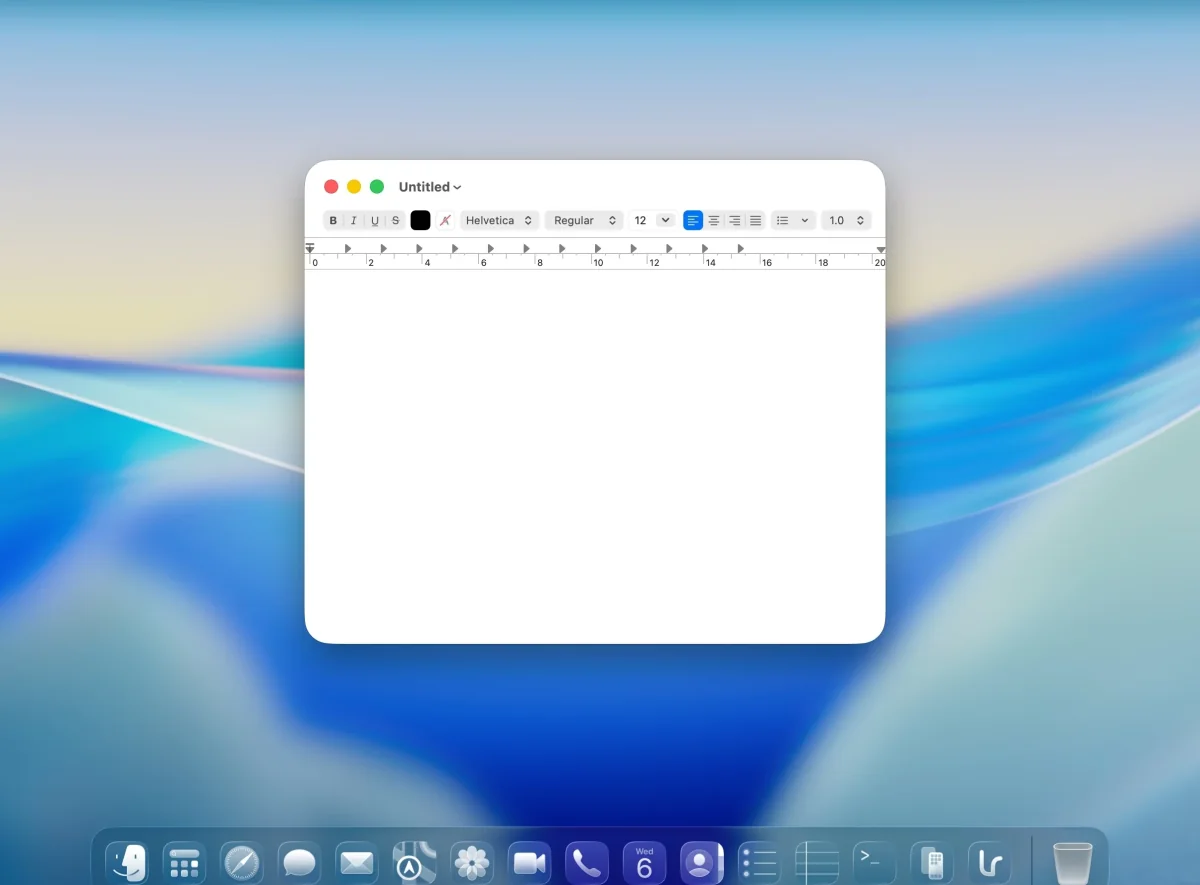
Taller title bar. Now sized like Apple's flagship apps. Even space above the traffic lights and to their left.
Centered title bar. Title and toolbar items pulled into the center. The complete Liquid Radius look.
Indented traffic lights, taller title bar and centered title bar can be toggled independently. Support for these advanced tweaks varies by app.
Reliable & reversible
After every login. After every reboot. After every session restore.
Toggle off and every window snaps back to default.
A single nvram command in Recovery Mode disables every injection path.
Compatibility
37%95%
of your Mac apps now share the Liquid Glass corner radius. Discord, Slack, VS Code, Notion, Cursor, Spotify, and almost every Electron and native app.
See the full list




















Lifetime license
No subscription. No upgrade fees. No feature gates. Every future update is included, and arrives automatically.